
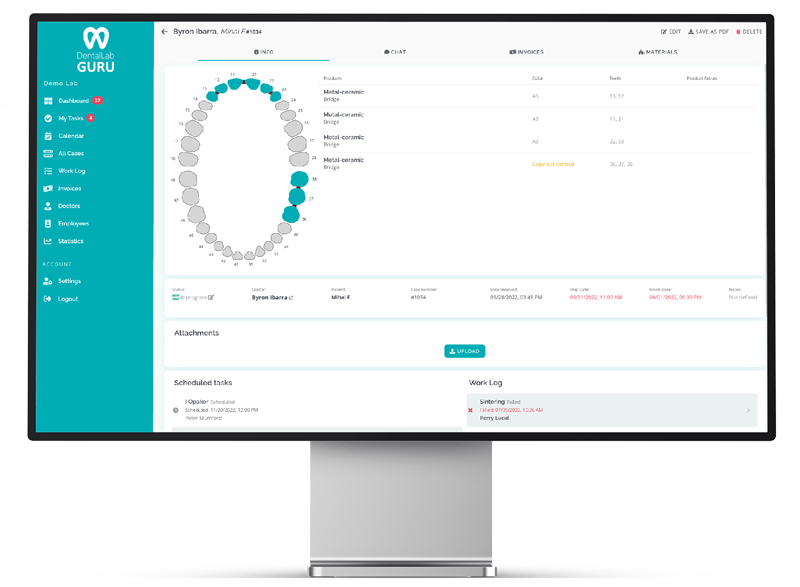
Template preview
Use this structure as a simple starting point before moving the workflow into software.
- Original case reference
- Remake date and due date
- Reason category and responsibility
- Dentist notes, files, and photos
- Outcome, billing decision, and prevention note
How to use it
- 1 Log every remake as soon as it is accepted.
- 2 Use reason categories instead of long free-text notes only.
- 3 Link the remake to the original case.
- 4 Review patterns monthly with the team.
When to upgrade from a template
- Remake reasons are not reviewed.
- Original files and notes are hard to find.
- Repeat problems are not visible by dentist, material, or case type.
- Billing decisions are disconnected from production.
Interactive template
Build a remake and adjustment log
Record remake reasons, responsibility, cost, outcomes, and prevention notes in one exportable log.
Your entries stay in this browser tab. This tool does not save or send the information you enter.
Downloadable resource
Dental Lab Remake Log Template
Use the preview fields below to create a printable or editable version for your lab, then move the workflow into Dental Lab Guru when you need live status.
Evaluating a software move? Model the coordination cost using your own assumptions.
Preview fields
- Original case reference
- Remake date and due date
- Reason category and responsibility
- Dentist notes, files, and photos
- Outcome, billing decision, and prevention note
Best practices
Keep one owner responsible for maintaining the template.
Archive completed work so active cases stay easy to read.
Review the template weekly for missing fields, duplicate entries, and stale statuses.
Move to structured software when multiple people need live status at the same time.