
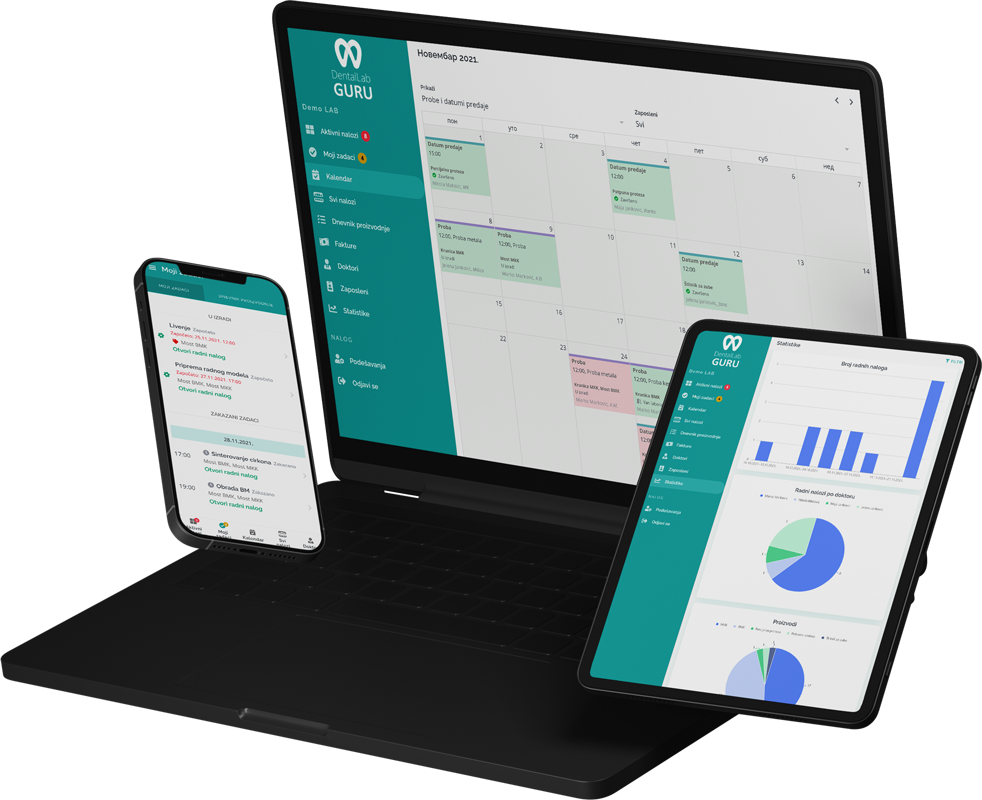
Required case information
Open a remake as a related record, preserve the original case evidence, and classify the reason only after the lab has enough information to distinguish a symptom from a controllable cause.
- Original case reference
- Remake reason and responsibility
- Dentist notes and photos
- New due date, stage, delivery, and invoice impact
Typical production stages
Use explicit intake, review, approval, production, quality-control, and outcome stages so the lab can separate remake investigation from the work of producing the replacement.
- 1 Remake intake
- 2 Reason classification
- 3 Approval and assignment
- 4 Production
- 5 Quality check
- 6 Delivery and review
Common bottlenecks
- Remakes logged without clear cause
- No link back to the original case
- Repeat remakes not reviewed
- Unclear billing or credit decisions
Root-cause review
Separate the remake symptom from the process change
“Fit,” “shade,” or “broken” describes what was observed. A useful review also records which evidence was available and which controllable step, if any, should change.
| Review area | Evidence to compare | Possible process response |
|---|---|---|
| Prescription and intake | Original Rx, changes, photos, shade, material, and received items | Add or clarify a required intake field |
| Digital or physical records | Scan or impression quality, bite, model, files, and version history | Create an acceptance check or rescan escalation |
| Production and QC | Stage ownership, notes, material lot where used, and QC result | Change a handoff, inspection, or documentation step |
| Outcome and commercial decision | Replacement delivered, dentist response, cost, credit, and billing choice | Close the event and include it in the next pattern review |
A remake log should support learning, not automatic blame. Responsibility may be shared or unclear, and conclusions should follow the evidence available to the lab.
Best practices
Create a required remake reason field.
Link every remake to the original case.
Review remake patterns monthly.
Track whether remake work is billed, credited, or written off.