
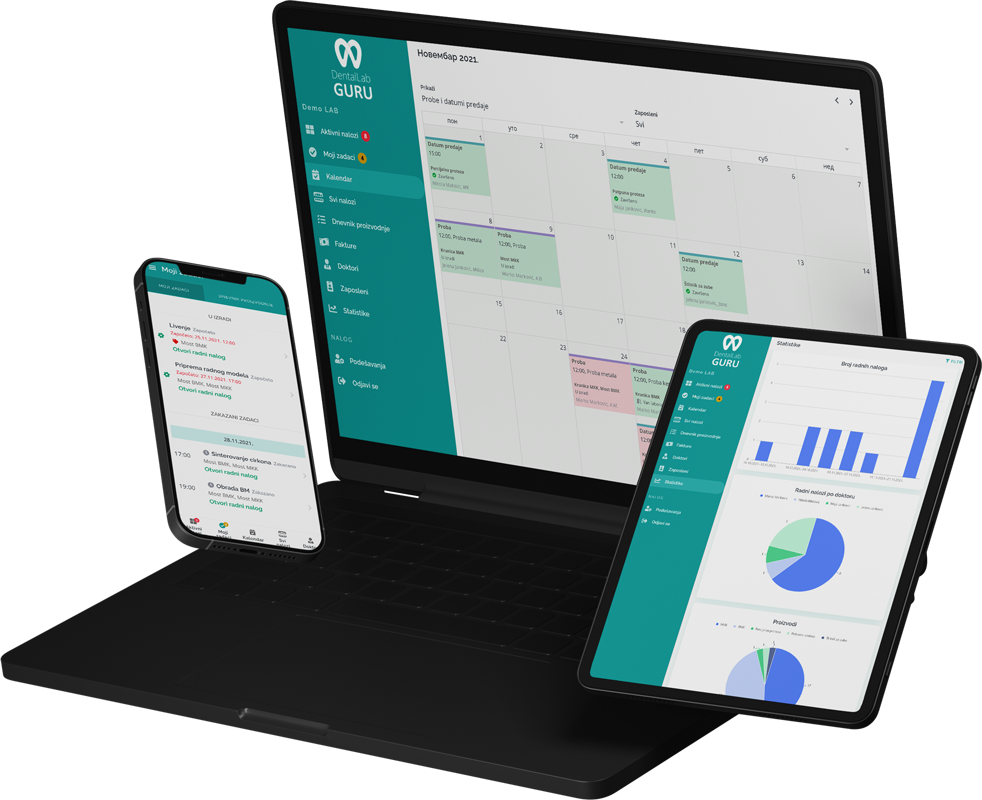
Required case information
An implant case is ready for production only when the implant system, platform, component plan, restoration request, and digital or physical records identify the same clinical situation.
- Implant system and platform
- Abutment type, screw access, and torque notes
- Scan files, photos, Rx, and dentist instructions
- Component status, due date, and delivery plan
Typical production stages
Separate component verification, design review, try-in or verification, and final fabrication so a case cannot appear production-ready while a foundational decision is still open.
- 1 Intake and component verification
- 2 Design review
- 3 Model or printed verification
- 4 Fabrication
- 5 Try-in or final finishing
- 6 Quality check, delivery, and invoice
Common bottlenecks
- Wrong or missing implant component information
- Files stored outside the case record
- Waiting on dentist clarification
- Remakes caused by unclear instructions
Component readiness matrix
The implant details that should stop a case before fabrication
Implant work is especially vulnerable to a plausible-looking but incorrect component choice. This matrix makes the stop conditions explicit before fabrication consumes material and time.
| Decision area | Record before work | Stop condition |
|---|---|---|
| Implant connection | Manufacturer, system, platform, and connection details | The platform cannot be verified from the prescription or supplied records |
| Restorative component | Abutment type, screw access, torque note, and supplied components | A component is missing, incompatible, or not clearly assigned to the case |
| Design evidence | Scan bodies, tissue data, bite, photos, and approval requirements | Required geometry is missing or files do not match the case reference |
| Delivery package | Restoration, screw or driver requirements, labels, and dentist instructions | The lab cannot verify what must travel with the finished case |
Component compatibility and clinical decisions must be verified by qualified people using the manufacturer and prescription information applicable to the case.
Best practices
Track implant system details as required fields.
Attach scan files and photos directly to the case.
Flag cases waiting on dentist clarification.
Review remake causes after every implant remake.