
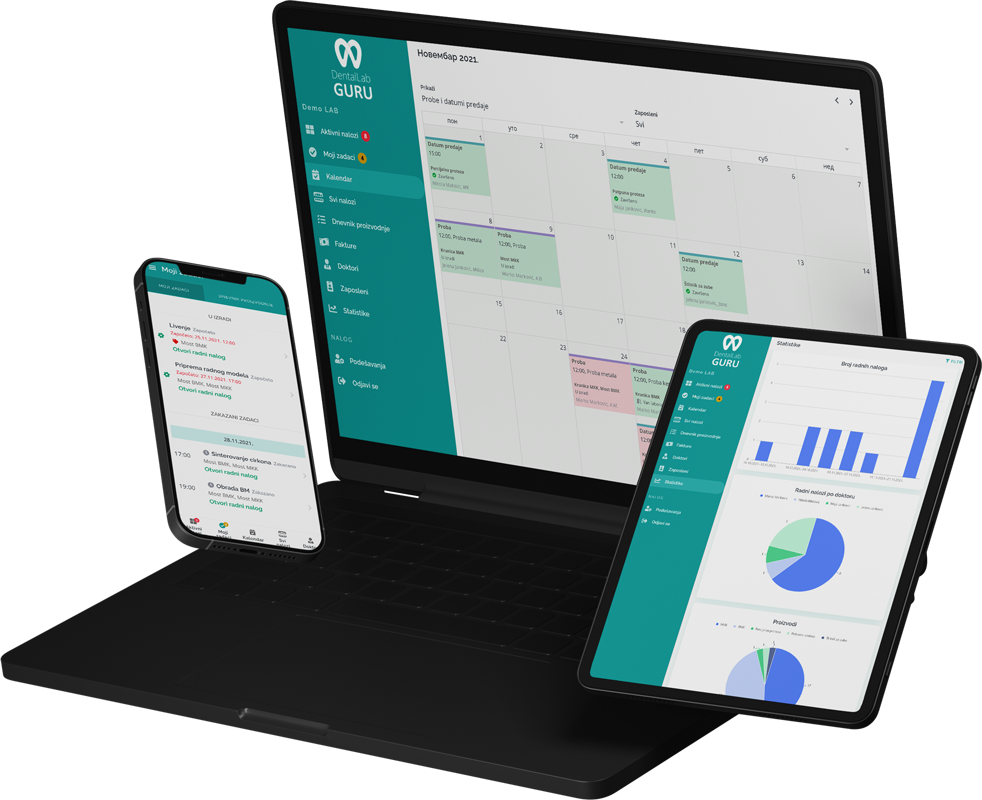
Required case information
Do not release a crown or bridge case to design until the restoration request, tooth references, material, shade evidence, and promised date agree across the prescription and attached files.
- Dentist and patient details
- Tooth numbers and restoration type
- Material, shade, stump shade, and finish notes
- Due date, delivery promise, scans, Rx, and photos
Typical production stages
Use stage changes to mark a real handoff—design accepted, manufacturing complete, ceramic complete, or quality check passed—not simply the passage of time.
- 1 Intake and Rx review
- 2 Model or digital design
- 3 Milling or fabrication
- 4 Ceramic, staining, and finishing
- 5 Quality check
- 6 Delivery and invoice follow-up
Common bottlenecks
- Missing shade or material information
- Cases waiting in design without a visible owner
- Rush adjustments that displace normal work
- Finished cases not invoiced or marked delivered
Pre-production release gate
Crown and bridge control points before work moves forward
A short release gate prevents an incomplete prescription from becoming a production problem. The case should move only when the evidence for that checkpoint is present.
| Checkpoint | Continue when | Hold and clarify when |
|---|---|---|
| Restoration request | Tooth number, restoration type, and margin expectations agree | The prescription and scan notes describe different work |
| Material and shade | Material, final shade, stump shade, and reference photos are available where required | Shade evidence is missing or material choice is ambiguous |
| Digital or physical inputs | The scan, impression, bite, antagonist, and design references needed for the case can be opened | A required file is corrupt, incomplete, or attached to the wrong case |
| Promise and delivery | Finish date leaves enough time for quality control and the agreed delivery method | The requested date requires a rush decision or removes the QC window |
This gate organizes production information; it does not replace a technician’s clinical or technical judgment about the restoration.
Best practices
Require complete intake fields before production starts.
Use due-date views for crown and bridge volume.
Separate rush cases from normal production.
Connect finished work to invoice and payment status.