
Workflow guide

Orthodontic Appliance Workflow

Orthodontic appliances often require repeated steps, clear doctor instructions, and accurate delivery timing. A shared workflow helps the lab keep details visible.

Production stages Checklist Bottlenecks
Orthodontic Appliance Workflow in Dental Lab Guru
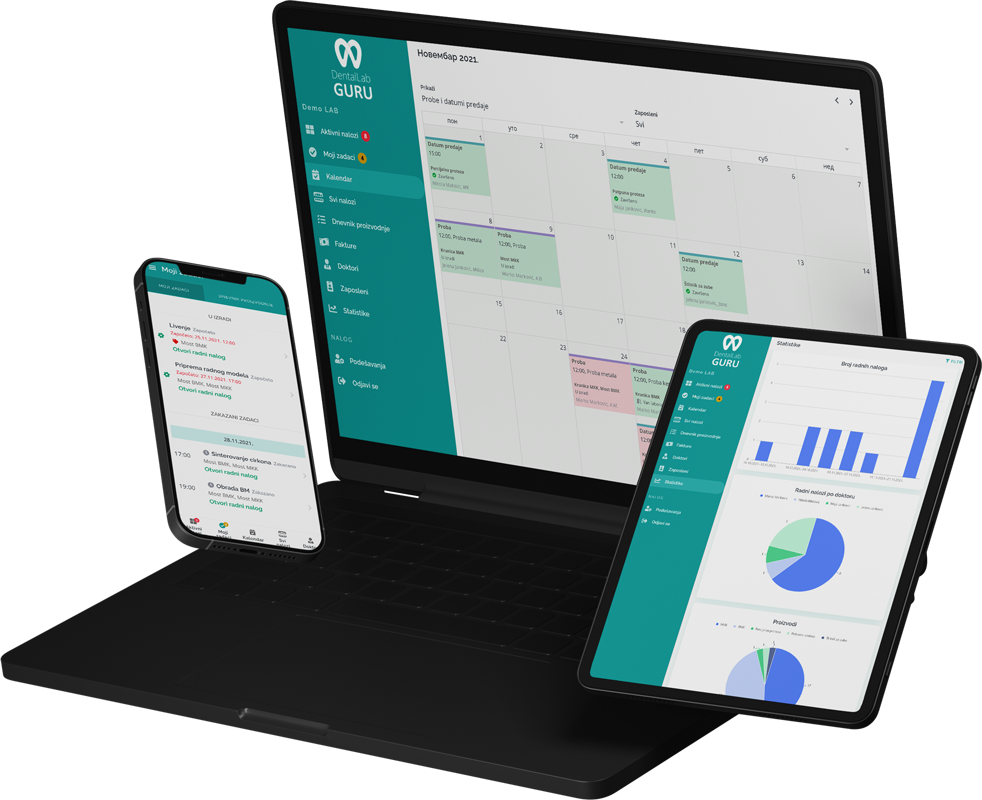
Dental Lab Guru keeps cases, stages, notes, files, delivery, invoices, and payments in one workflow.

Primary keyword

orthodontic lab workflow software

Search intent

commercial

Required case information

The workflow starts by collecting enough information to avoid callbacks, rework, and missed handoffs.

  • Appliance type and design notes
  • Doctor instructions and files
  • Patient details, model or scan status
  • Due date, delivery method, and remake notes

Typical production stages

Every lab can adjust stages, but a clear shared sequence makes the work easier to manage.

  1. 1 Intake
  2. 2 Model or digital preparation
  3. 3 Wire, acrylic, or appliance fabrication
  4. 4 Finishing
  5. 5 Quality check
  6. 6 Delivery

Common bottlenecks

  • Unclear appliance design instructions
  • Model or scan delays
  • Rush appliance requests
  • Delivery dates tracked outside production

How Dental Lab Guru supports this workflow

One case record

Keep dentist, patient, due date, notes, files, stage, delivery, and payment status together.

Deadline visibility

See due today, late, active, delivered, finished, and unpaid cases without rebuilding a spreadsheet.

Dentist communication

Use the doctor portal and case notes to keep requests attached to the case instead of scattered across channels.

Workflow checklist

  • Use appliance-specific case types.
  • Attach design references to the case.
  • Keep rush appliance work visible.
  • Track delivery status after quality check.
Orthodontic Appliance Workflow in Dental Lab Guru

Product connection

How this connects to Dental Lab Guru

Every Phase 1 page links back into the same product workflow: cases, stages, due dates, dentist communication, files, delivery, invoices, payments, and reporting. That keeps the SEO library useful for readers and connected to the free trial path.

  • Case tracking
  • Doctor portal
  • Production scheduling
  • Invoice tracking
  • Inventory management
  • Employee management
  • Files and notes
  • Dashboard reporting

Best practices

Use appliance-specific case types.

Attach design references to the case.

Keep rush appliance work visible.

Track delivery status after quality check.

Frequently asked questions

Can Dental Lab Guru track orthodontic appliance workflow?

Yes. You can create cases, assign due dates, attach files, move work through stages, track delivery, and follow payment status from one dashboard.

Can workflow stages be adjusted?

Yes. Dental labs can use the stages that match their production process, then use those stages to keep technicians and managers aligned.

Does the doctor portal help with this workflow?

Yes. Dentist uploads, notes, files, and status visibility reduce calls and help the lab keep case communication connected to production.

Related resources

rush case tracking dental lab

Rush Case Tracking

Rush cases can protect dentist relationships, but they can also break the normal schedule. A visible rush workflow helps the lab make tradeoffs on purpose. Track required case information, stages, bottlenecks, best practices, and production visibility in Dental Lab Guru.

dental lab case tracking software

Case Tracking Software

Track cases from intake to delivery with dentist details, files, notes, stages, due dates, delivery status, invoices, and payment follow-up. Learn benefits, common mistakes, best practices, and related Dental Lab Guru features.

dental lab production scheduling software

Production Scheduling Software

Plan production around case stages, due dates, rush work, technician visibility, and delivery promises from one shared dashboard. Learn benefits, common mistakes, best practices, and related Dental Lab Guru features.

doctor portal for dental labs

Doctor Portal for Dental Labs

Give dentists a simple place to upload files, send notes, and follow case status instead of spreading communication across calls, emails, and chat apps. Learn benefits, common mistakes, best practices, and related Dental Lab Guru features.

denture workflow dental lab

Denture Workflow

Denture production depends on appointments, try-ins, resets, teeth selection, acrylic work, and delivery promises. Dental Lab Guru helps keep those steps from blending together. Track required case information, stages, bottlenecks, best practices, and production visibility in Dental Lab Guru.

implant case tracking software

Implant Workflow

Implant cases require tight control over components, files, dentist notes, due dates, and remakes. A structured workflow helps the lab avoid missing details. Track required case information, stages, bottlenecks, best practices, and production visibility in Dental Lab Guru.

Try Dental Lab Guru free for 14 days

Move real cases into one shared workflow for production, dentist communication, delivery, invoices, and payment follow-up.