
Workflow guide

Night Guard Workflow for Dental Labs

Night guards can look simple, but the workflow still needs accurate intake, material notes, stage tracking, finishing, delivery, and payment follow-up.

Production stages Checklist Bottlenecks
Night Guard Workflow for Dental Labs in Dental Lab Guru
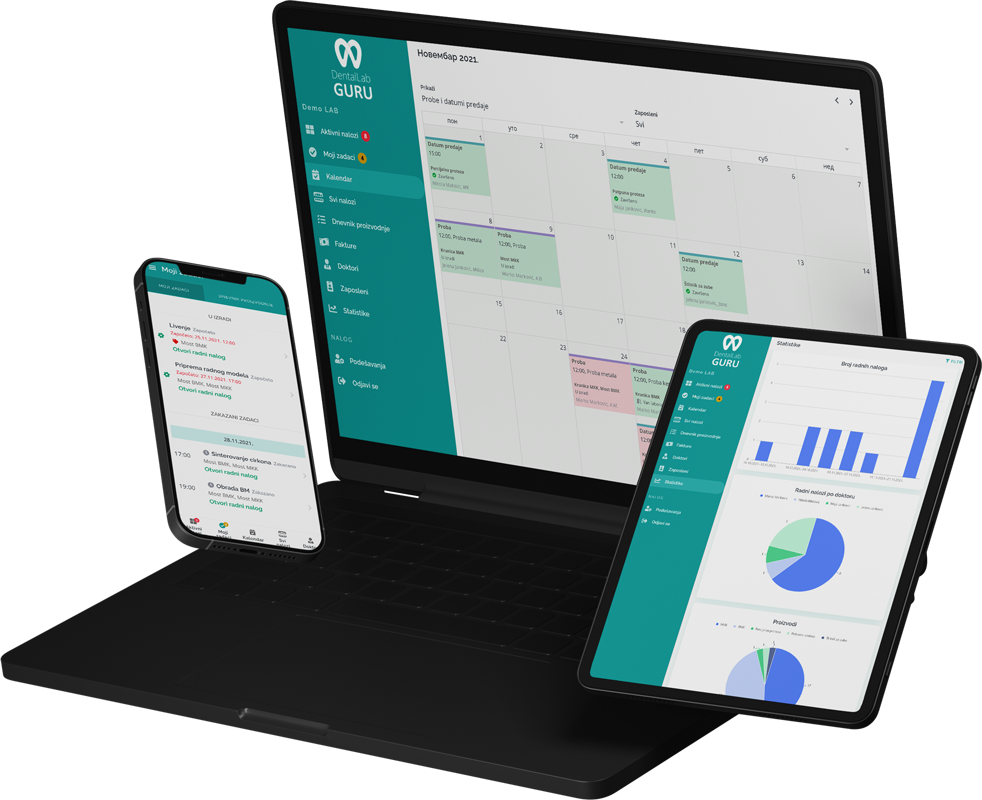
Dental Lab Guru keeps cases, stages, notes, files, delivery, invoices, and payments in one workflow.

Required case information

A night guard should not be treated as a generic small job. Record the arch, guard design, material and thickness, bite or occlusal instructions, source records, and promised delivery before fabrication.

  • Guard type and material
  • Upper or lower arch
  • Thickness, occlusion, and adjustment notes
  • Due date, dentist, files, and delivery status

Typical production stages

Use a short but explicit sequence so guards cannot disappear between model or digital preparation, fabrication, adjustment, quality control, and delivery.

  1. 1 Intake
  2. 2 Model or digital preparation
  3. 3 Fabrication
  4. 4 Finishing and adjustment
  5. 5 Quality check
  6. 6 Delivery and invoice

Common bottlenecks

  • Material preferences missing from intake
  • Cases treated as small jobs and forgotten
  • Rush work mixed into normal production
  • Finished guards not marked delivered

Intake acceptance card

Four checks before a night guard joins the production queue

Night guards are easy to under-document because they appear routine. A compact acceptance card prevents material, arch, and occlusal assumptions from reaching fabrication.

Four checks before a night guard joins the production queue
Acceptance checkReady signalCommon exception
Guard designUpper or lower arch, design or coverage, and intended material are explicitThe prescription says only “night guard”
Thickness and occlusionThickness, opposing record, and adjustment instructions are available where requiredNo bite information or conflicting thickness notes
Production inputThe model or scan is usable and belongs to the recorded patient referencePoor data, unclear arch, or mismatched files
PromiseFinish date includes adjustment, quality check, and delivery timeA small job is accepted as rush without schedule review

The lab should apply its qualified technical review and the dentist’s prescription when deciding whether the supplied records are adequate.

Best practices

Create a standard night guard intake checklist.

Use stage status even for small cases.

Group similar appliances for production planning.

Close the loop with delivery and invoice status.

Frequently asked questions

Which fields should a night guard work ticket require?

At minimum, identify the dentist and patient reference, upper or lower arch, guard design, material, thickness, occlusal instructions, model or scan reference, due date, delivery method, and any adjustment notes.

Do night guards need production stages if turnaround is short?

Yes. A compact set of stages is enough, but it should still distinguish preparation, fabrication, adjustment or finishing, quality control, and delivery so small cases cannot be forgotten.

How should similar night guard cases be grouped?

Group work only after each case has complete intake and a visible due date. Batch planning should improve equipment or material use without hiding an individual case’s priority or exceptions.

Related resources

rush case tracking dental lab

Rush Case Tracking

Rush cases can protect dentist relationships, but they can also break the normal schedule. A visible rush workflow helps the lab make tradeoffs on purpose. Track required case information, stages, bottlenecks, best practices, and production visibility in Dental Lab Guru.

dental lab work ticket template

Dental Lab Work Ticket Template

A work ticket gives each case a clear intake record before it enters production. Use it to capture dentist, patient, case type, shade, material, due date, and notes. Preview the fields, usage instructions, and upgrade path to structured Dental Lab Guru workflows.

dental lab invoice tracking software

Invoice Tracking Software

Connect completed cases to invoices and payment status so finished work does not get lost after delivery. Learn benefits, common mistakes, best practices, and related Dental Lab Guru features.

dental lab production checklist

Dental Lab Production Checklist

A production checklist helps technicians and managers confirm that a case has the information, materials, approvals, and status needed before the next handoff. Preview the fields, usage instructions, and upgrade path to structured Dental Lab Guru workflows.

digital dental lab workflow software

Digital Workflow

Digital files improve speed only when the lab can still see ownership, stage status, due dates, remakes, delivery, and payment follow-up for every case. Track required case information, stages, bottlenecks, best practices, and production visibility in Dental Lab Guru.

orthodontic lab workflow software

Orthodontic Workflow

Orthodontic appliances often require repeated steps, clear doctor instructions, and accurate delivery timing. A shared workflow helps the lab keep details visible. Track required case information, stages, bottlenecks, best practices, and production visibility in Dental Lab Guru.

Try Dental Lab Guru for 14 days

Move real cases into one shared workflow for production, dentist communication, delivery, invoices, and payment follow-up.