

A dental lab KPI dashboard is a simple view of the numbers that show how your lab is performing. Instead of checking spreadsheets, paper notes, invoices, and case lists separately, a dashboard brings the most important information into one place: what is due, what is delayed, what has been delivered, what is unpaid, and where work is getting stuck.
For small and medium dental labs, the goal is not to create a complicated analytics system. The goal is to make daily management easier. A good KPI dashboard helps the lab owner or manager answer practical questions quickly: Are we delivering cases on time? Which dentists send the most work? How many cases are waiting? What has not been invoiced or paid? Which parts of the workflow create the most confusion?
Why does a dental lab KPI dashboard matter?
Most labs already have the information they need. The problem is that it is usually scattered across too many places. One technician knows the case status. Someone else knows whether it was delivered. The owner knows which dentists usually pay late. The invoice may be in accounting software, while the original order is in an email or WhatsApp message.
A KPI dashboard matters because it turns scattered information into a working management habit. It helps you notice problems while they are still small. A case that is late today is easier to fix than a dentist relationship that is damaged after several late deliveries. A missing payment is easier to follow up on when it is visible, instead of being discovered weeks later.

The best dashboards are not designed to impress anyone. They are designed to help the team make better decisions. If a number does not lead to an action, it probably does not belong on your first dashboard.
Which KPIs should a dental lab track first?
Start with a small set of metrics. Many labs make the mistake of trying to track everything at once. That usually creates another admin task instead of reducing confusion.
For most dental labs, these are the best starting KPIs:
| KPI | What it tells you | Why it matters |
|---|---|---|
| Open cases | How many active cases are currently in the lab | Shows workload and capacity pressure |
| Cases due today / this week | Which jobs need attention soon | Helps prevent missed deadlines |
| Overdue cases | Which cases have passed their due date | Shows where follow-up or rescheduling is needed |
| Delivered cases | Which cases have left the lab | Helps connect production with billing |
| Unpaid cases or invoices | Which delivered work still needs payment follow-up | Protects cash flow |
| Cases by dentist/client | Where work is coming from | Helps identify important clients and changing demand |
| Remakes or corrections | Which cases needed extra work | Highlights quality, communication, or intake issues |
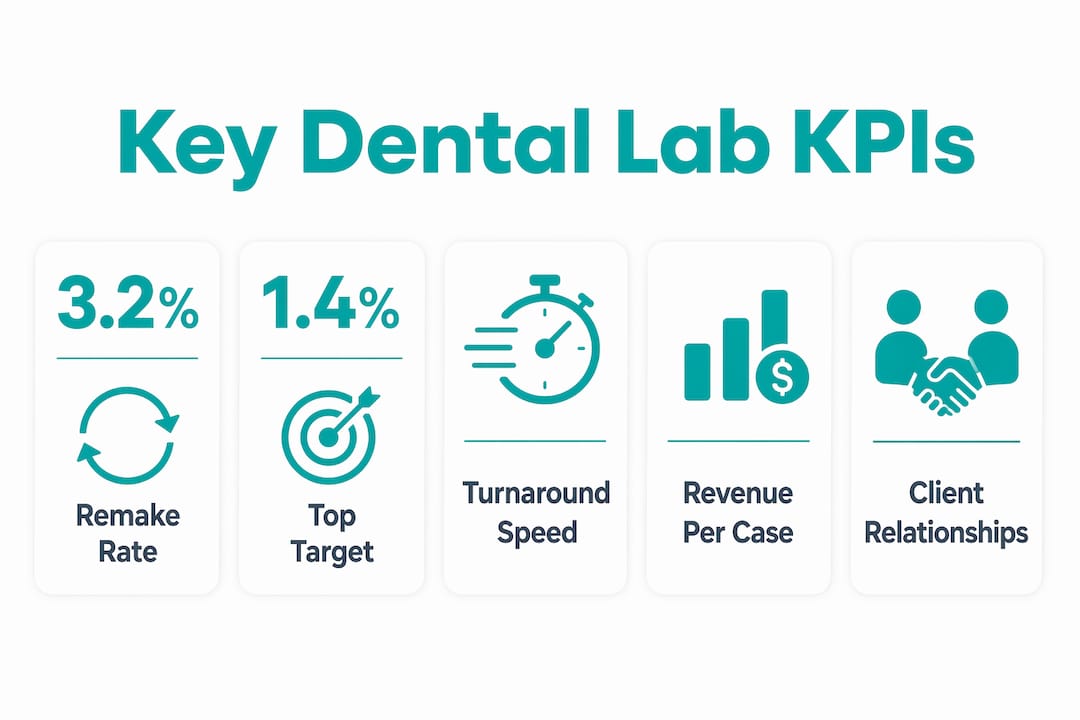
Once these basics are working, you can add more advanced metrics such as average turnaround time, case value, remake rate by client, or monthly revenue by product type. But the first version should stay simple enough that your team actually uses it.
Pro Tip: Start with three numbers: due this week, overdue, and unpaid. If those three are visible every day, most labs already become easier to manage.
How does a dashboard help with case tracking?
Case tracking is usually the heart of a dental lab dashboard. The lab needs to know where each job stands: received, in progress, waiting for information, ready for delivery, delivered, invoiced, or paid. When that status is not clear, people start asking the same questions repeatedly.
A case dashboard reduces that back-and-forth. Instead of asking “where is this case?” the team can check the current status. Instead of relying on memory, the owner can see which cases are stuck and who needs to act next.
This is especially useful when the lab has both digital and physical workflows. Digital scans, physical impressions, photos, notes, and remake instructions can easily become disconnected. The dashboard does not need to solve every technical integration problem. It simply needs to keep the case record clear enough that the team knows what is happening.
What makes a dental lab dashboard useful?
A useful dashboard is focused, practical, and connected to real work. It should not be a wall of charts that nobody checks. It should help the lab decide what to do today.
- Keep it small. Track a handful of important metrics first. More data does not automatically mean better management.
- Use clear statuses. Every case should have a simple status that the whole team understands.
- Connect production and payment. Delivered work should not disappear from view until it is invoiced and paid.
- Review it regularly. A dashboard only helps if someone looks at it and acts on it.
- Make ownership clear. If a case is overdue or unpaid, the next step should be obvious.
A simple weekly review is often enough. Look at overdue cases, upcoming deadlines, unpaid work, and any recurring problems. The important part is consistency. A basic dashboard checked every week is more useful than an advanced dashboard nobody trusts.
How to build a simple KPI dashboard for your lab
You do not need to start with a complicated business intelligence tool. Start by deciding what decisions you want the dashboard to support.
Step 1: List the questions you ask every week.
Examples: What is due tomorrow? Which cases are late? Which cases were delivered but not paid? Which dentist sent the most work this month?
Step 2: Choose the smallest set of KPIs that answer those questions.
Avoid tracking numbers just because they sound professional. Track numbers that change what you do.
Step 3: Clean up your case statuses.
If everyone uses different wording, the dashboard will not be reliable. Define a small list of statuses and use them consistently.
Step 4: Make payment status visible.
Many labs track production carefully but lose visibility after delivery. Delivered, invoiced, and paid should be easy to distinguish.
Step 5: Review and adjust.
After a few weeks, remove metrics nobody uses and add the ones your team keeps asking for.
| Dashboard level | What it includes | Best for |
|---|---|---|
| Basic | Open cases, due dates, overdue work, delivery status | Labs moving away from paper or spreadsheets |
| Operational | Case stages, technician workload, remakes, client activity | Labs with growing case volume |
| Financial | Delivered work, invoices, paid/unpaid status, case value | Owners who want better cash-flow visibility |
Common dashboard mistakes
The biggest mistake is building a dashboard for reporting instead of action. If the dashboard only shows historical totals, it may look nice, but it will not help the team manage today’s work.
- Too many metrics: A crowded dashboard becomes noise. Start small.
- No clear case statuses: If status data is messy, every report becomes questionable.
- Ignoring payment visibility: Production and cash flow are connected. Delivered work still matters until it is paid.
- No review habit: Dashboards do not manage the lab by themselves. Someone has to use the information.
- Tracking vanity numbers: Total case volume is useful only when compared with deadlines, remakes, revenue, and workload.
Key takeaways
A dental lab KPI dashboard helps lab owners and managers see the state of the lab without digging through spreadsheets, messages, and paper notes.
| Point | Details |
|---|---|
| Start simple | Begin with due cases, overdue cases, delivered work, and unpaid work. |
| Use clear statuses | Every case should have a status the whole team understands. |
| Connect work to money | Track cases from receipt through delivery, invoicing, and payment. |
| Review regularly | A short weekly review creates more value than a complex dashboard nobody checks. |
| Improve over time | Add more KPIs only after the basics are reliable. |
Why simple KPI tracking is often enough
Many dental labs do not need an enterprise analytics setup. They need a reliable way to see the work that is active, late, delivered, and unpaid. That sounds basic, but it is exactly where daily stress often comes from.
When those numbers are visible, the lab starts operating with less guesswork. The owner no longer has to ask five people for the state of the week. Technicians spend less time answering status questions. Payment follow-up becomes easier because delivered work does not disappear into memory.
After the basics are under control, deeper reporting becomes much more useful. Remake trends, client profitability, average turnaround time, and technician workload all depend on clean case data. If the foundation is messy, advanced analytics will only make the mess look more official.
See your lab’s work more clearly with Dental Lab Guru
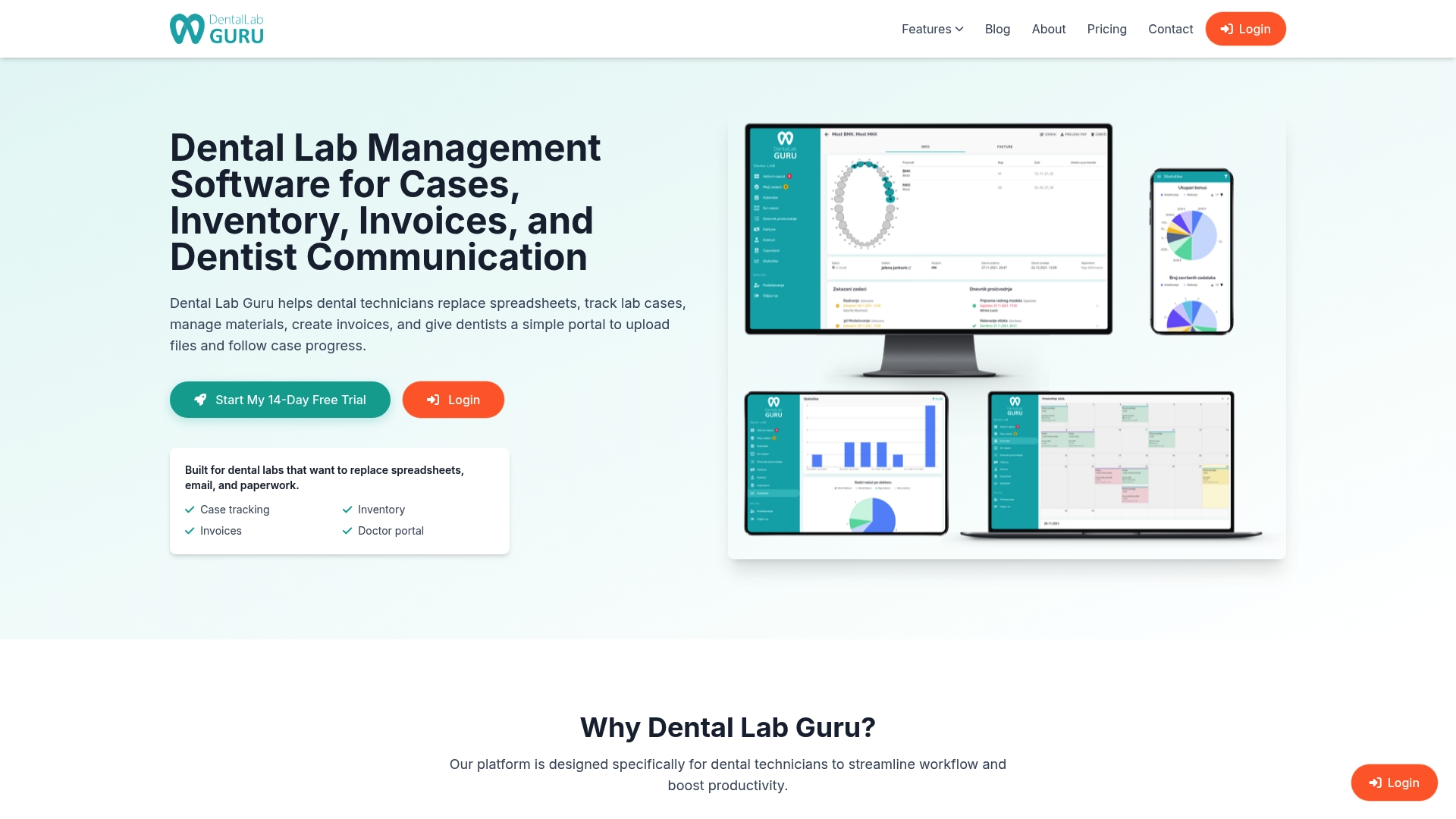
Dental Lab Guru helps small and medium dental labs replace scattered spreadsheets, paper notes, and memory with one place to organize cases, clients, deadlines, deliveries, and payments. It gives your team a clearer view of what is active, what is due, what has been delivered, and what still needs payment follow-up.
If you want better visibility without adding another complicated system, try Dental Lab Guru and see how it fits your lab’s workflow.
FAQ
What is a dental lab KPI dashboard?
A dental lab KPI dashboard is a visual overview of the most important numbers in your lab, such as active cases, due dates, overdue work, delivered cases, unpaid work, and remakes. It helps lab owners understand what needs attention without searching through several systems.
How many KPIs should a dental lab track?
Start with 3 to 6 practical KPIs. For many labs, the best starting point is due cases, overdue cases, delivered cases, unpaid work, and remakes. Add more only when the basics are reliable.
What is the most important KPI for a dental lab?
There is no single KPI for every lab, but overdue cases are usually the most urgent operational metric. They directly affect dentist satisfaction, production planning, and delivery promises.
Should a small dental lab use a dashboard?
Yes. Small labs often benefit the most because one missed case, late delivery, or unpaid invoice has a bigger impact. The dashboard does not need to be complex; it just needs to make important work visible.
How is a KPI dashboard different from a spreadsheet?
A spreadsheet stores data. A dashboard turns the most important parts of that data into a clear view that helps the team decide what to do next. Many labs start with spreadsheets, then move to dedicated software when manual updates become too slow or unreliable.