

Admin work in a dental lab is usually not one big problem. It is dozens of small tasks repeated every day: entering case details, checking due dates, confirming shades, chasing missing information, updating dentists, preparing invoices, and trying to remember where a note was written down.
Reducing admin workload means making those repeated tasks easier to control. For most labs, that starts with three simple improvements: better case intake, one clear place to track work, and fewer manual handoffs between production, delivery, and payment.
The goal is not to make your lab "fully automated." The goal is more practical: fewer forgotten details, fewer follow-up calls, fewer spreadsheet updates, and less time spent searching for information that should have been easy to find.
Where admin workload comes from in a dental lab
Most dental lab admin work comes from unclear information at the start of a case and poor visibility while the case is moving through production.
A case may arrive with a missing shade, unclear material choice, no due date, or incomplete dentist instructions. Someone in the lab then has to stop, call or message the clinic, wait for a reply, update the case, and make sure the technician sees the change. None of that is fabrication work, but it still consumes lab time.
The same thing happens later with delivery and payment. If the team cannot quickly see whether a case was delivered, invoiced, or paid, the lab ends up relying on memory, paper notes, WhatsApp messages, or several spreadsheets that never quite match.
Common admin-heavy areas include:
- Case intake: entering patient, dentist, material, shade, due date, and restoration details
- Production tracking: checking which stage each case is in and who is responsible for it
- Dentist communication: chasing missing information or answering status questions
- Delivery tracking: confirming what left the lab, when, and for which clinic
- Billing and payment follow-up: matching completed cases with invoices and payments
Once you know where the admin time is going, it becomes much easier to reduce it.
Start with better case intake
Case intake is the best place to reduce admin workload because mistakes made here create work for everyone later. A missing shade or unclear instruction does not stay an intake problem. It becomes a technician interruption, a delayed case, a follow-up message, and sometimes a remake.
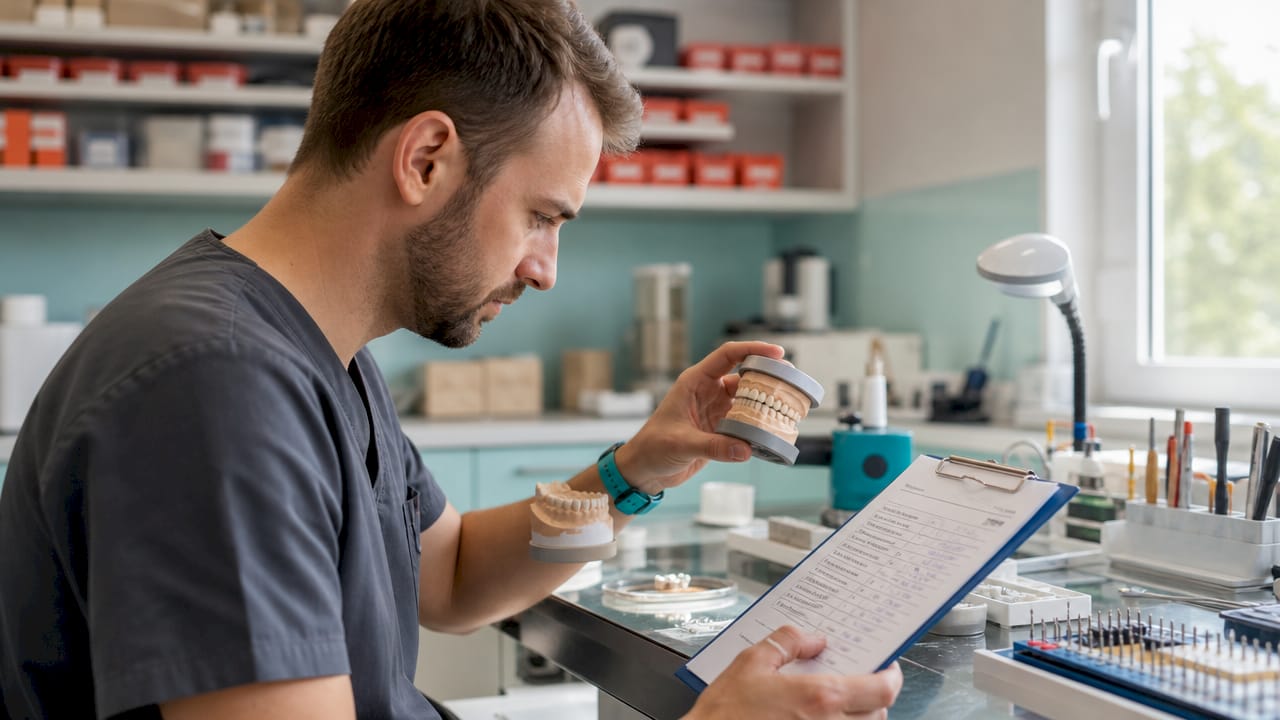
A simple intake checklist can prevent many of these problems before the case enters production. It does not need to be complicated. The lab should clearly define the information required before a case can be accepted and started.
A good intake checklist should confirm:
- dentist or clinic name
- patient name or case reference
- restoration type
- material
- shade
- due date
- special instructions
- files, scans, photos, or impressions received
- priority or rush status, if relevant
The important part is consistency. If one person accepts incomplete cases and another person rejects them, the lab remains chaotic. The intake rule should be clear: a case should not move forward until the minimum required information is present.
Good intake is not bureaucracy. It is how you prevent production interruptions before they happen.
Use one place to track case status
The next big admin reducer is centralizing case status. Many labs lose time because case information is spread across paper forms, Excel sheets, email, WhatsApp, and memory. That works when the lab is small and quiet. It breaks down when several cases are moving at once.
A lab needs one place where the team can answer basic questions quickly:
- Which cases are due today?
- Which cases are waiting for information from the dentist?
- Which technician is responsible for this case?
- Which cases are ready for delivery?
- Which delivered cases still need to be paid?
This is where dental lab management software can help. The software does not need to replace the way your lab works overnight. It should first give you a clearer view of what is happening, so the team spends less time asking around and more time moving cases forward.
For small and medium labs, the most useful features are usually:
- Case tracking: see every case and its current stage
- Client tracking: keep dentist and clinic details connected to cases
- Deadline visibility: know what is due and what is at risk
- Delivery status: see what has left the lab
- Payment status: know what is paid and what still needs follow-up
These are not flashy features, but they remove a lot of daily friction.
Reduce follow-up messages with clear statuses
A lot of admin work is just status communication. A dentist asks whether a case is ready. A technician asks whether the clinic confirmed the shade. Someone checks if the case was delivered. These questions are normal, but they become expensive when every answer requires searching through messages or asking another person.
The simplest fix is to define clear case statuses and use them consistently.
| Status | What it means |
|---|---|
| New | The case was received but not yet started |
| Waiting for info | The lab needs clarification, files, photos, shade, or approval |
| In progress | The case is being worked on |
| Ready | The case is completed and ready for pickup or delivery |
| Delivered | The case has left the lab |
| Paid | Payment has been received or marked as settled |
Even a simple status system can reduce interruptions because everyone can see the same answer. The lab manager does not have to become the source of truth for every small question.
Automate only after the process is clear
Automation is useful, but it works best when the underlying process is already clear. If the lab does not know what a complete case looks like, software cannot magically fix that. It may simply move the confusion faster.
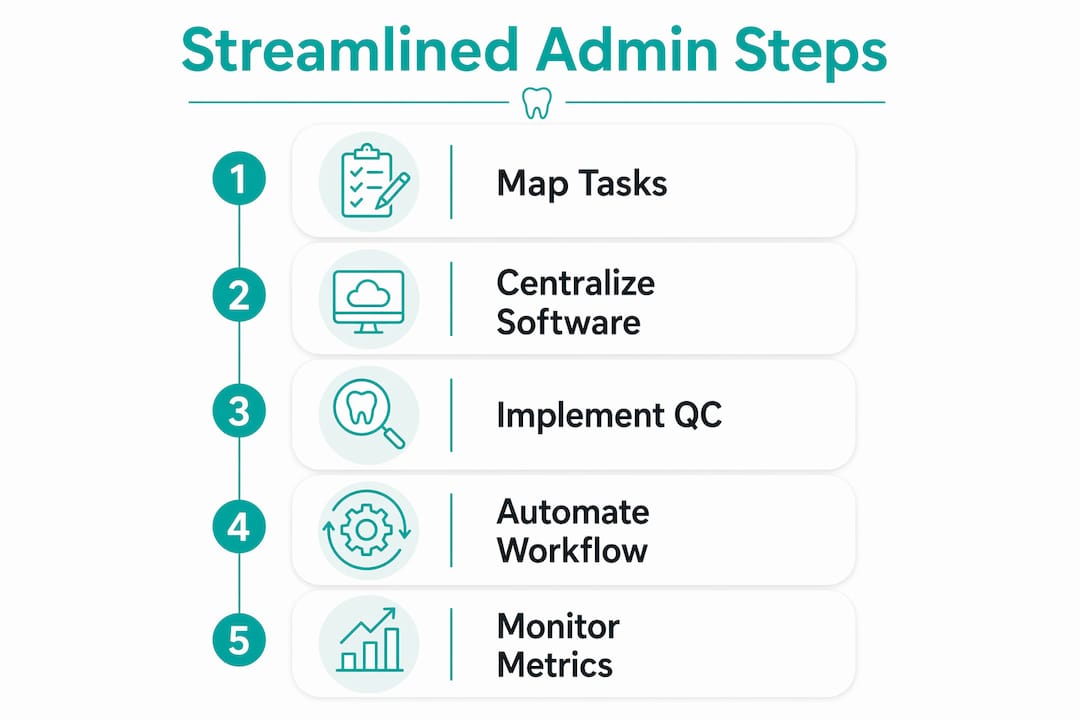
Before adding automation, decide what should happen at each step of the workflow:
- Case received: who enters it and what fields are required?
- Case checked: who confirms the prescription, shade, due date, and files?
- Case assigned: who decides which technician or department gets it?
- Case updated: when should the status change?
- Case delivered: who marks it as delivered?
- Case paid: who marks the payment status?
Once those rules are clear, software can enforce them more reliably. Without those rules, the lab may simply recreate the same messy process inside a new tool.
How to reduce admin workload step by step
You do not need to rebuild the whole lab process in one week. A gradual approach is safer and easier for the team to accept.
- List the repeated admin tasks. Write down what the team does every day and every week.
- Find the biggest time wasters. Look for repeated calls, duplicate data entry, missing case details, and invoice confusion.
- Create a minimum intake checklist. Decide what information is required before a case can start.
- Use consistent case statuses. Make sure everyone describes case progress the same way.
- Move tracking into one system. Stop splitting the truth between paper, spreadsheets, and messages.
- Review once a month. Check what still causes delays and adjust the process.
The table below shows useful metrics to monitor:
| Metric | What it tells you |
|---|---|
| Average turnaround time | Whether cases are moving through the lab on time |
| Cases waiting for information | Whether intake quality is improving |
| Late cases | Whether deadlines are visible early enough |
| Remakes | Whether case instructions and quality checks are working |
| Unpaid delivered cases | Whether payment follow-up is under control |
Key takeaways
Reducing admin workload in a dental lab is less about adding complicated software and more about removing uncertainty from the case workflow.
| Point | Why it matters |
|---|---|
| Fix intake first | Incomplete cases create follow-up work, delays, and remakes |
| Track cases in one place | The team should not have to search through paper, spreadsheets, and messages |
| Use clear statuses | Everyone should understand where each case stands |
| Connect delivery and payment | Delivered cases should not disappear from financial follow-up |
| Automate gradually | Software works best when the lab process is already defined |
Where most dental labs get this wrong
Most labs do not struggle with admin work because the team is careless. They struggle because the system depends too much on memory.
One person remembers that a dentist confirmed the shade. Another person knows that a case was delivered yesterday. Someone else keeps track of payments in a spreadsheet. That can work for a while, especially in a small lab, but it becomes fragile as soon as the lab gets busier or someone is away.
The first fix is not always a bigger system. Start by making the workflow visible. Every case should have a clear status, a due date, a responsible person, and a simple way to see whether it was delivered and paid.
Once that is in place, tools like Dental Lab Guru can help keep the process consistent. The real value is not just "software." It is having one reliable place where the team can see what is happening without interrupting each other all day.
How Dental Lab Guru helps reduce admin work
If your lab is still managing cases with spreadsheets, paper notes, WhatsApp messages, or disconnected lists, the admin burden grows with every new case.
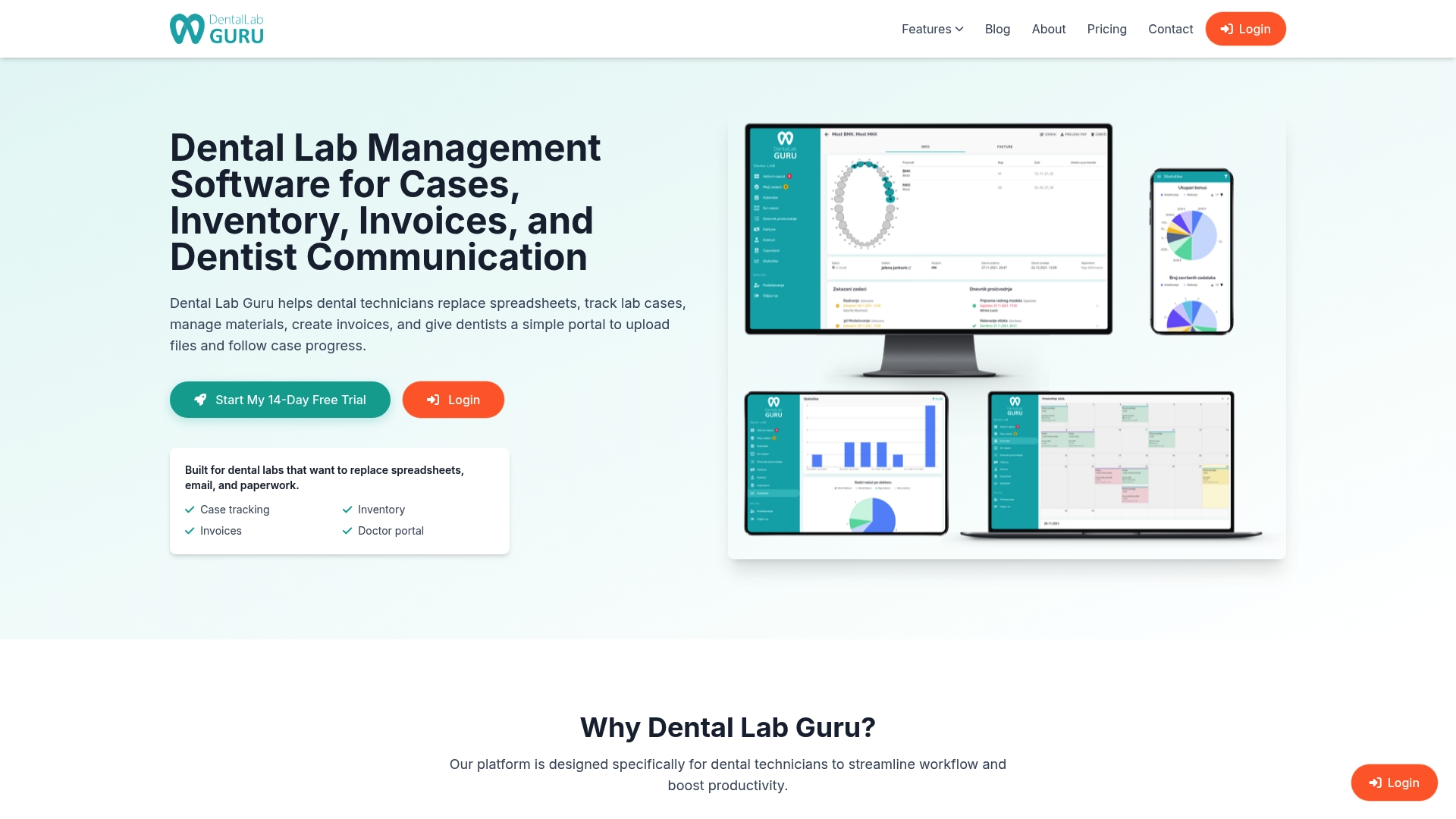
Dental Lab Guru helps small and medium dental labs keep cases, clients, deadlines, deliveries, and payments organized in one place. Instead of chasing updates or wondering which spreadsheet is correct, your team gets a clearer view of daily work and what needs attention.
If your current process depends too much on memory, messages, or manual tracking, Dental Lab Guru gives you a simpler way to manage the work from case creation to delivery and payment.
FAQ
What does it mean to reduce admin workload in a dental lab?
It means reducing the manual work needed to enter cases, check details, update statuses, follow up with dentists, track deliveries, and manage payment status. The goal is to spend less time searching for information and more time moving cases through the lab.
What is the fastest way to cut admin work in a dental lab?
The fastest improvement is usually better case intake. A simple checklist for shade, material, due date, restoration type, files, and special instructions prevents many follow-up messages and production delays.
How does dental lab management software help?
Dental lab management software gives the team one place to track cases, clients, deadlines, deliveries, and payment status. This reduces duplicate data entry, status chasing, and confusion caused by disconnected tools.
Can small dental labs benefit from better admin systems?
Yes. Small labs often feel admin pain more because the same people handle production, communication, delivery, and payment follow-up. A simple, consistent tracking system can make daily work much easier.
What should a dental lab track to measure admin efficiency?
Useful metrics include average turnaround time, late cases, cases waiting for information, remakes, delivered cases, and unpaid delivered cases. These numbers show where admin work is still slowing the lab down.